Build your own templates
Decide the zones, the photos and the questions for each kind of check; version them as you learn.

Core tool
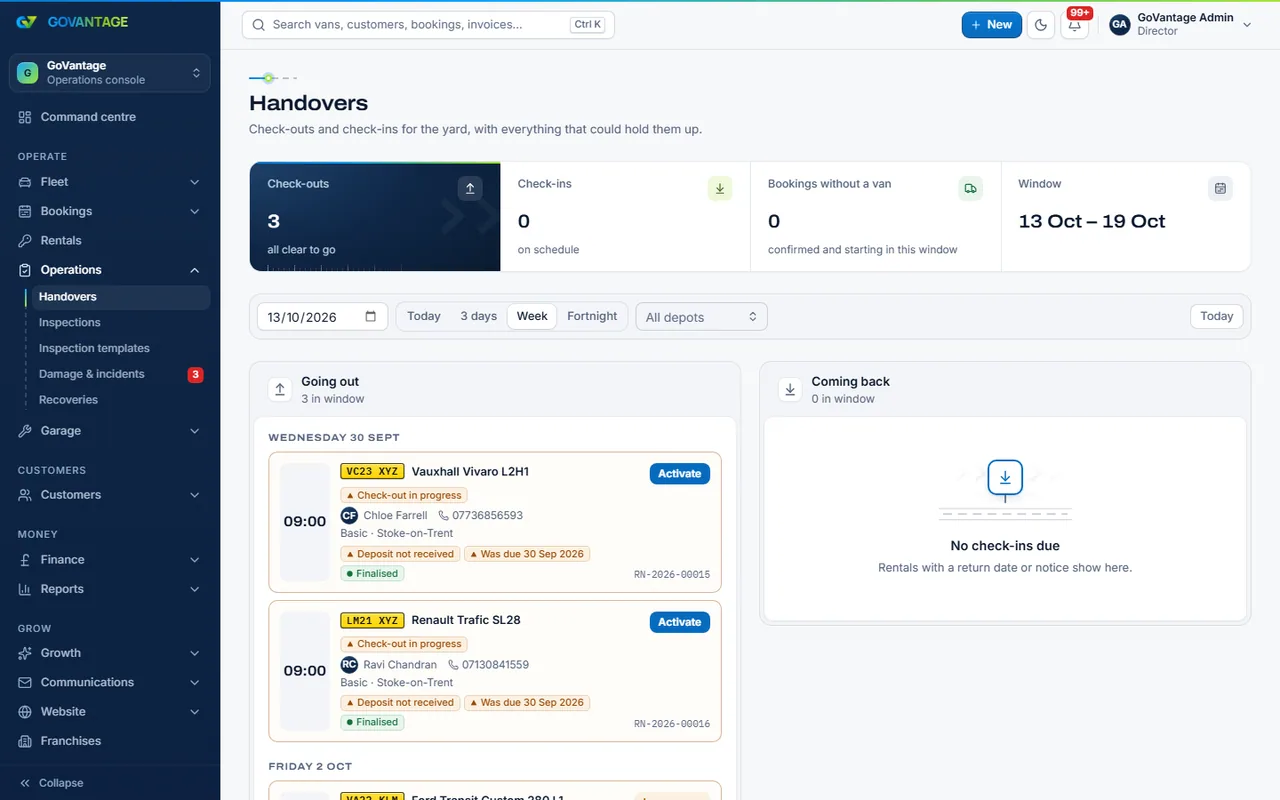
Check-out and check-in walk around the van with photos and a signature, weekly checks run from the driver app, and damage becomes a case with the evidence attached, so every deduction is fair and every van stays roadworthy.
What it does
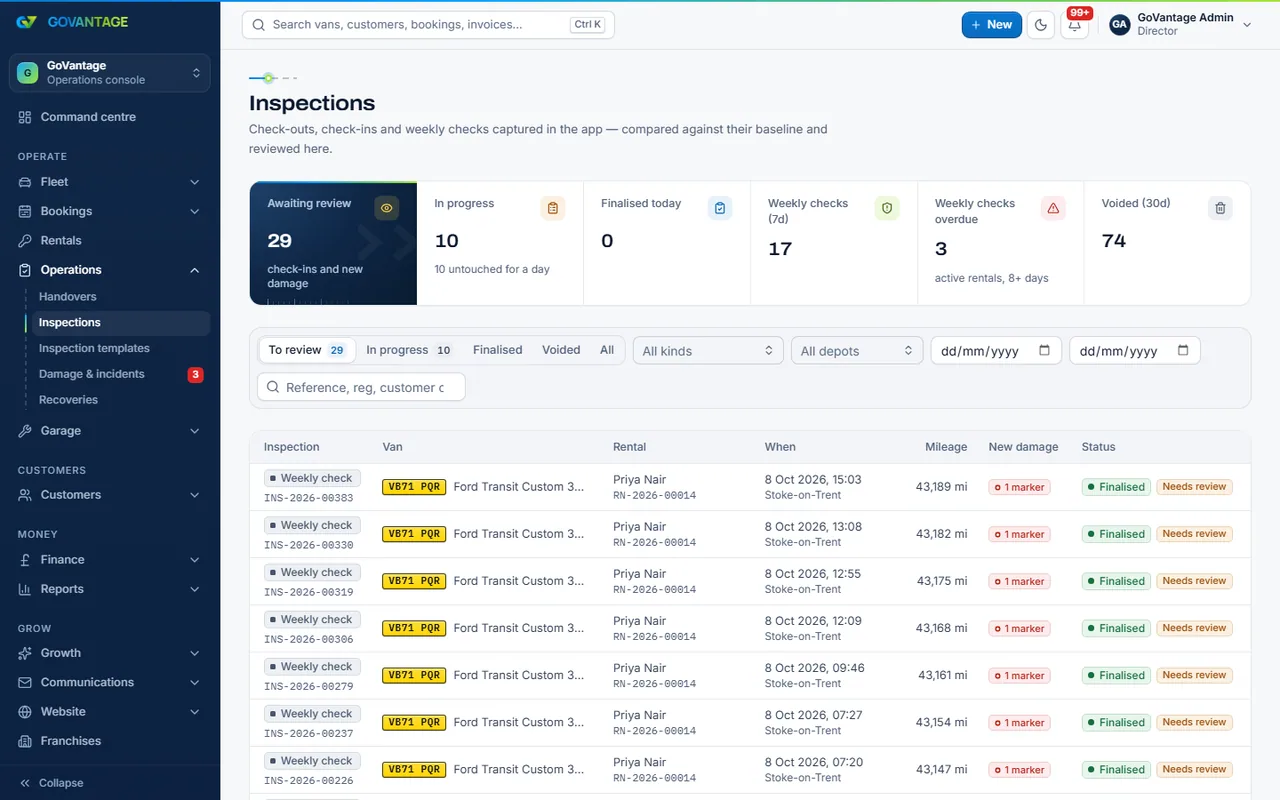
Your inspection templates say what to photograph and tick. Staff run check-outs and check-ins on a phone, drivers do their weekly check in the app, and the check-in is compared with the check-out baseline. Anything new becomes a damage case.
Who uses it
Depot and yard staff
Hand vans over with the template on a phone; the photos and the signature are kept.
Drivers
A two-minute weekly check in the app: tyres, lights, fluids, photos. It earns points too.
Managers
See which vans were checked, which were missed and what damage is open.
What is in it
Capabilities
Decide the zones, the photos and the questions for each kind of check; version them as you learn.
The check-in sits beside the check-out photos, so new marks are obvious and old ones are not charged twice.
Evidence, estimate, who pays and the deposit deduction in one case, with the customer able to see it.
Weekly checks are due on a set day, reminded in the app and rewarded with points.
Request a recovery, swap in a provisional van and swap back when the van is fixed.
On screen
The check-out takes the staff member round the van zone by zone: photos, mileage, fuel, marks pinned on the van drawing and the customer’s signature on screen. The same walk at check-in shows the before picture next to the after.
Questions
Yes. Inspections and damage is part of Core, and so is the driver app that runs the weekly checks.
Yes. Inspection templates are yours: zones, photos, questions and which ones block a handover. Changes apply to new checks.
In your workspace’s storage, kept with the check and the rental. The storage allowance in Core covers years of photos for most fleets; the pricing page has the figures.
A damage case holds the evidence and the estimate; when you decide, the charge lands on the next invoice or the deposit, with the photos attached so it is clear why.
Open a free trial and run a check-out on your phone with one of your own vans.
14-day free trial, no card needed.